Our big renovation project isn’t anywhere close to done (it just started this week, and Sherry’s sharing peeks over on Instagram in stories) but I’ve already embarked on another project that I’ve wanted to tackle for years: digitizing all of our old photos!
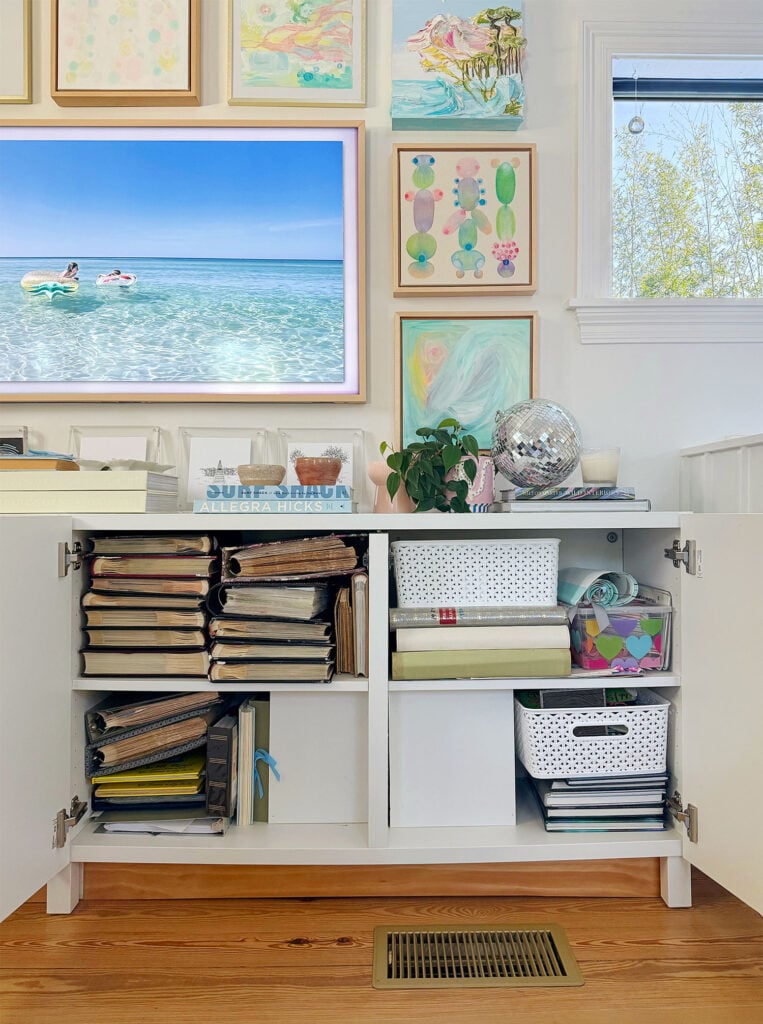
It’s arguably less exciting than our renovation, but I’m genuinely eager to tackle this long-overdue project. And since we’re not the only ones who suffer from photo clutter, I plan to document my process for anyone else who is also interested in digitizing their photos. So I’ll be testing out a few digitization methods, and sharing tips along the way.
Why Digitize Our Old Photos?
We have three main goals for this digitization project:
1. Safeguard memories
We plan to back up our old, physical photos using a cloud photo service (like Google Photos) so they won’t be lost in the event of a house fire, natural disaster, or simply getting lost or damaged over the years.
2. Free up some storage space
Our puffy old albums take up a ton of space. They’re literally more than four times thicker than photobooks we’ve made from sites like Blurb. Converting our older pictures into slimmer photobooks (like our annual yearbooks) will make room for storing a lot more games, other keepsakes, and many more future photobooks!
3. Pare down photos
At the risk of sounding unsentimental, not every old photo is worth keeping. For example, these pages below are dedicated to pictures of MY HIGH SCHOOL LAVA LAMP and some random neighborhood fireworks. We had a good laugh and all of them went right into the shredder.
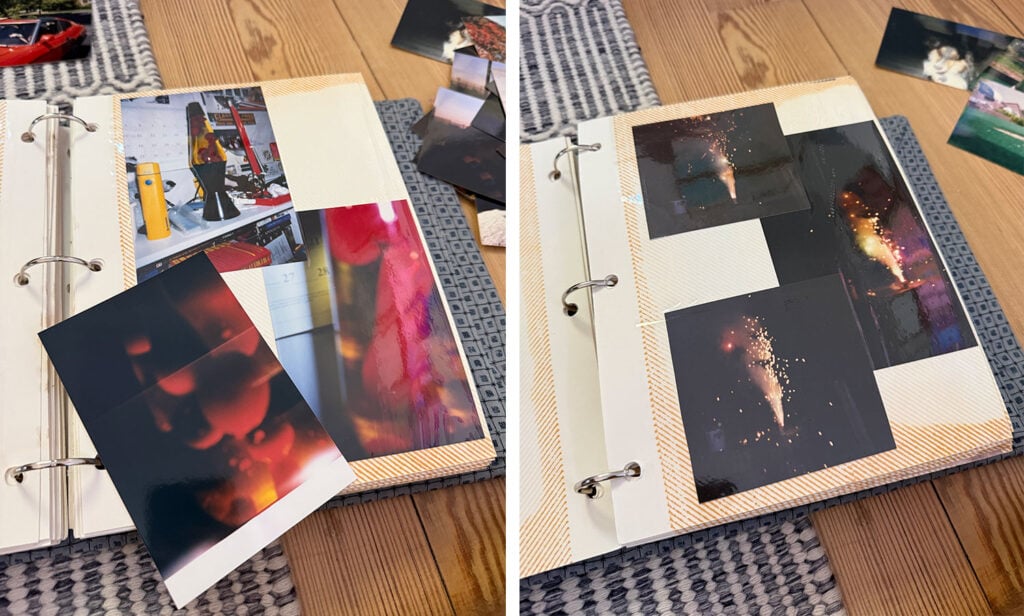
We’ve also come across plenty of blurry, dark, duplicate, or just plain unimportant pictures that should’ve been tossed long ago. So we’re going through these albums the same way we might delete unwanted pictures from our phone’s camera roll.
How We Are Digitizing Our Photos
Here’s where I’m doing a little bit of experimenting! Sherry asked everyone on Instagram stories for tips for doing this, and lots of good suggestions came back. Mainly a ton of tips for the exact same photo scanner, and a few methods that people mentioned over and over. So I’m putting some of the most often recommended items and methods to the test, and I’ll share the pros and cons of each one.
They are:
- iPhone camera
- iPhone camera using a special app
- A special photo scanner that a thousand people recommended
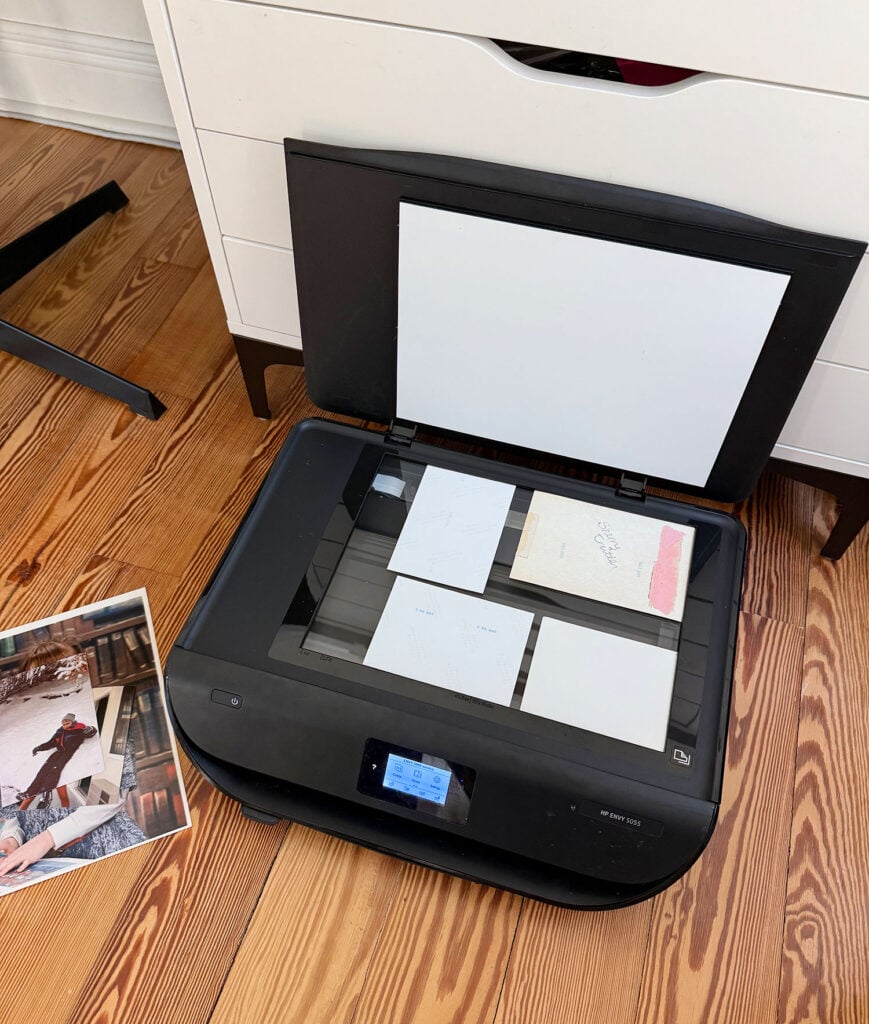
- The flatbed scanner in the printer we already own*
- A third-party digitization service
*Our printer is still going strong after 7 years, but I linked the current model sold since our exact model is no longer for sale
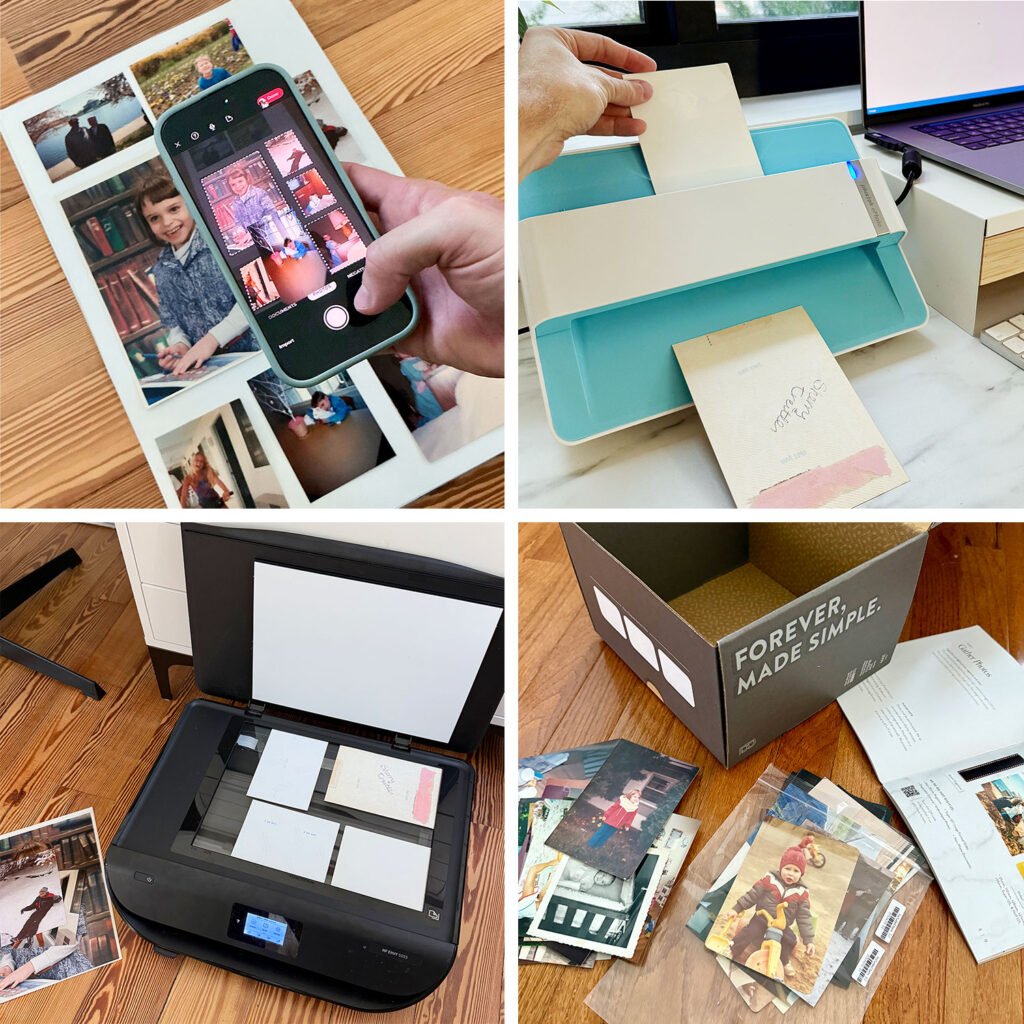
Sherry was inundated with requests for more info about our photo digitization project, hence this post about my process and what I’m trying so far. I’ll also do a follow-up post once I’m completely done, which will include my recommendations for the fastest, cheapest, easiest, and best quality options. I can already tell there won’t be a clear winner. Although that’s good – lots of options!
What We’re Doing With Our Digitized Photos
Once we’ve gotten everything digitized, we plan to do 3 things:
- Back them up on an external hard drive (this is also where we keep more recent family photos)
- Store copies on the cloud (probably in Google Photos, where I can edit the date on my uploads (either individually or in batches) so they automatically get sorted chronologically).
- Print photobooks to replace SOME of the albums that feel worthwhile (some photos will only exist digitally)
This part of the project is still a bit TBD because I’m mostly focused on digitizing things first. I’ve already started recreating a couple of albums as Blurb photobooks and it’s time-consuming, so we’ll see how many of them seem worthwhile to make.
One Last Tip
I know this post is a bit of a “tease” because I’m just laying out our plan for everyone who was asking for more details. But stay tuned because I’m humming along on this project and taking notes to compile into a huge post full of details as well as pros & cons and price differences for you. And if you’re chomping at the bit to get started on your photos, Miss Freddy came highly recommended to us by hundreds of you (that’s not an affiliated link). She’s a professional photo organizer who has tons of free tips on her Instagram, as well as e-courses all about scanning, organizing, and backing up your photos.
*This post contains affiliate links, so we may earn a small commission when you make a purchase through links on our site at no additional cost to you.
